WHAT IS DINOSAUR PARK JURASSIC DINO WORLD?
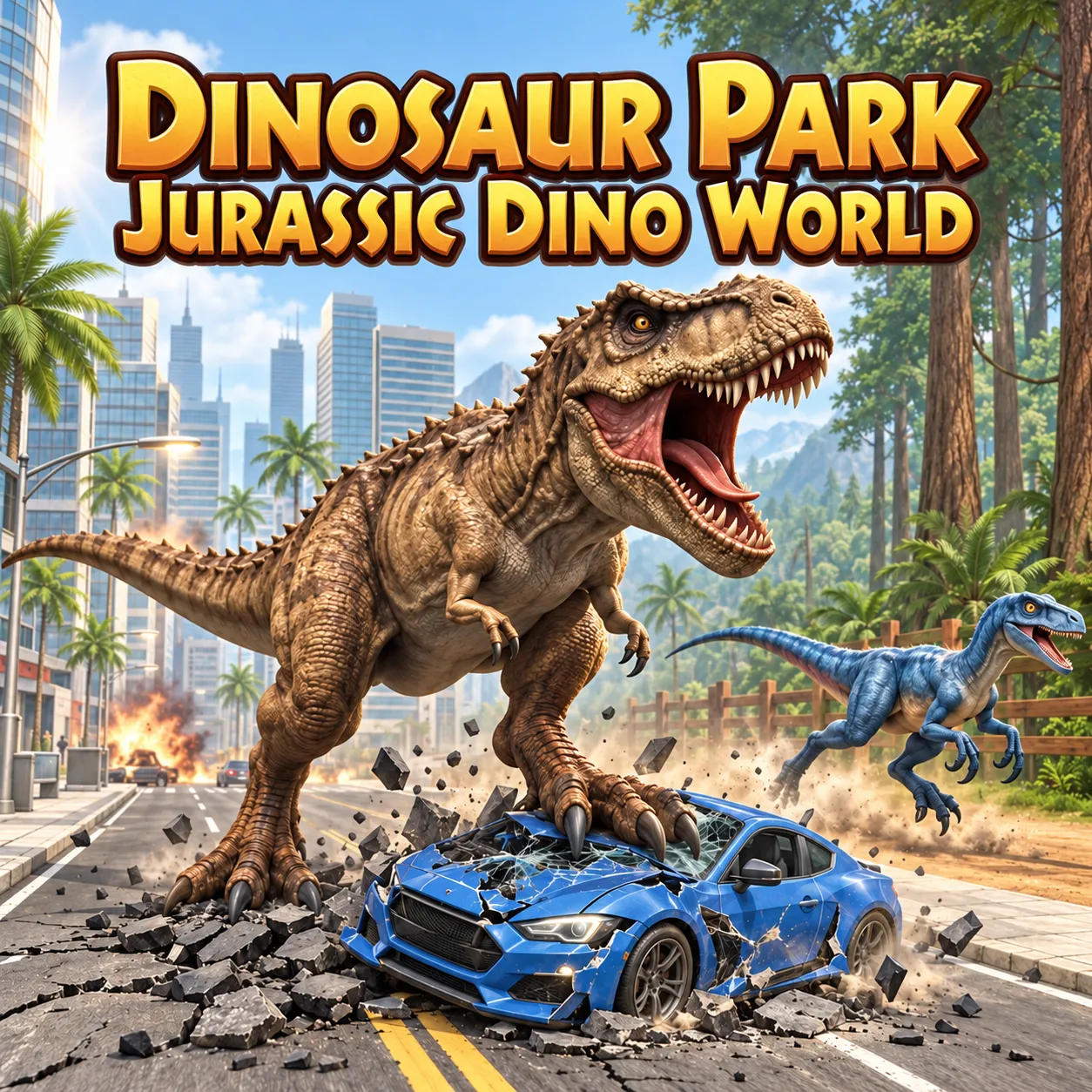
Dinosaur Park Jurassic Dino World is a 3D dinosaur simulation game developed by CodesXpirit. Take control of a dinosaur, hunt wild animals, and complete missions across jungle and city environments. Play directly in your browser on a computer or mobile device.
In this game, you experience the world as a dinosaur. Move through the environment from a third-person perspective, search for food, and fight the creatures you encounter.
GAME MODES
Jungle Mode
Jungle Mode focuses on hunting, exploration, and survival. Guide your dinosaur through the forest, find food, and face dangerous animals.
Read the objective at the beginning of each level so you know what to do next. Use the camera to locate your target, move into position, and attack when you are close enough. This mode introduces the game’s main movement and combat mechanics.
City Mode
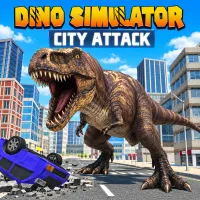
City Mode moves the action into streets and buildings. Instead of hunting in the wilderness, you control a dinosaur causing chaos in the city.
The urban setting gives you a different environment to explore, with destruction becoming the main attraction. Follow the instructions for your current level to identify the targets you need to reach or destroy.
Free Mode
Free Mode has been listed in the mode menu as locked with a “Coming Soon” label. Check the version you are playing for its current availability.
HOW TO PLAY
Begin by choosing an available mode and reading the level objective. Before approaching a target, practice moving your dinosaur and turning the camera. Keeping the action in view makes it easier to judge distance and follow enemies.
Use your basic attack during encounters, and sprint when you need to move quickly. As you play, watch for additional abilities and prompts. Some special attacks require a rewarded advertisement, while certain actions are only available in specific levels.
Complete the current objective to progress through the missions.
Controls
Desktop Controls
- WASD: Move.
- Mouse: Adjust the camera.
- Left-click: Select on-screen buttons.
- Space: Attack.
- Hold Shift: Sprint.
- E: Roar.
- Z: Use the fire ability.
- P: Pause the game.
For additional actions, V, C, and X activate special attacks through rewarded ads. F performs a special action in certain levels, and N offers a level skip through a rewarded ad.
Mobile Controls
Use the on-screen joystick to move your dinosaur. Tap the action buttons to attack and use the abilities available during the level.
TIPS FOR NEW PLAYERS
- Focus on the mission. Check the objective before exploring or starting a fight. This helps you understand which actions will move the level forward.
- Keep your target in view. Adjust the camera as you move, especially during close encounters.
- Learn the basic controls first. Get comfortable with movement, sprinting, and normal attacks before trying extra abilities.
- Check special-action requirements. Some abilities depend on advertisements or the current level, so confirm that they are available before relying on them.
MORE GAMES